Seedance 2.0 Mini AI Video Generator

Generate Seedance 2.0 Mini videos from text or images with native audio, optional end-frame direction, 4-15 second duration, and 480p or 720p output through Fal on Vevaro.

Seedance Mini workflow

A faster Seedance path for ideas that need motion before they need maximum resolution

Seedance 2.0 Mini is the practical version to try when speed and iteration matter. It keeps the same core creative direction style as Seedance 2.0, but focuses on 480p and 720p output for faster text-to-video and image-to-video work.

Use text-to-video when you want the model to invent the shot from a written prompt. Use image-to-video when the first frame already has the subject, product, character, or composition you want to preserve.

The strongest Mini workflow is reference-first: start with a clear image, describe the movement, and optionally add an end image when the shot needs a specific final frame instead of open-ended motion.

Try Seedance 2.0 Mini
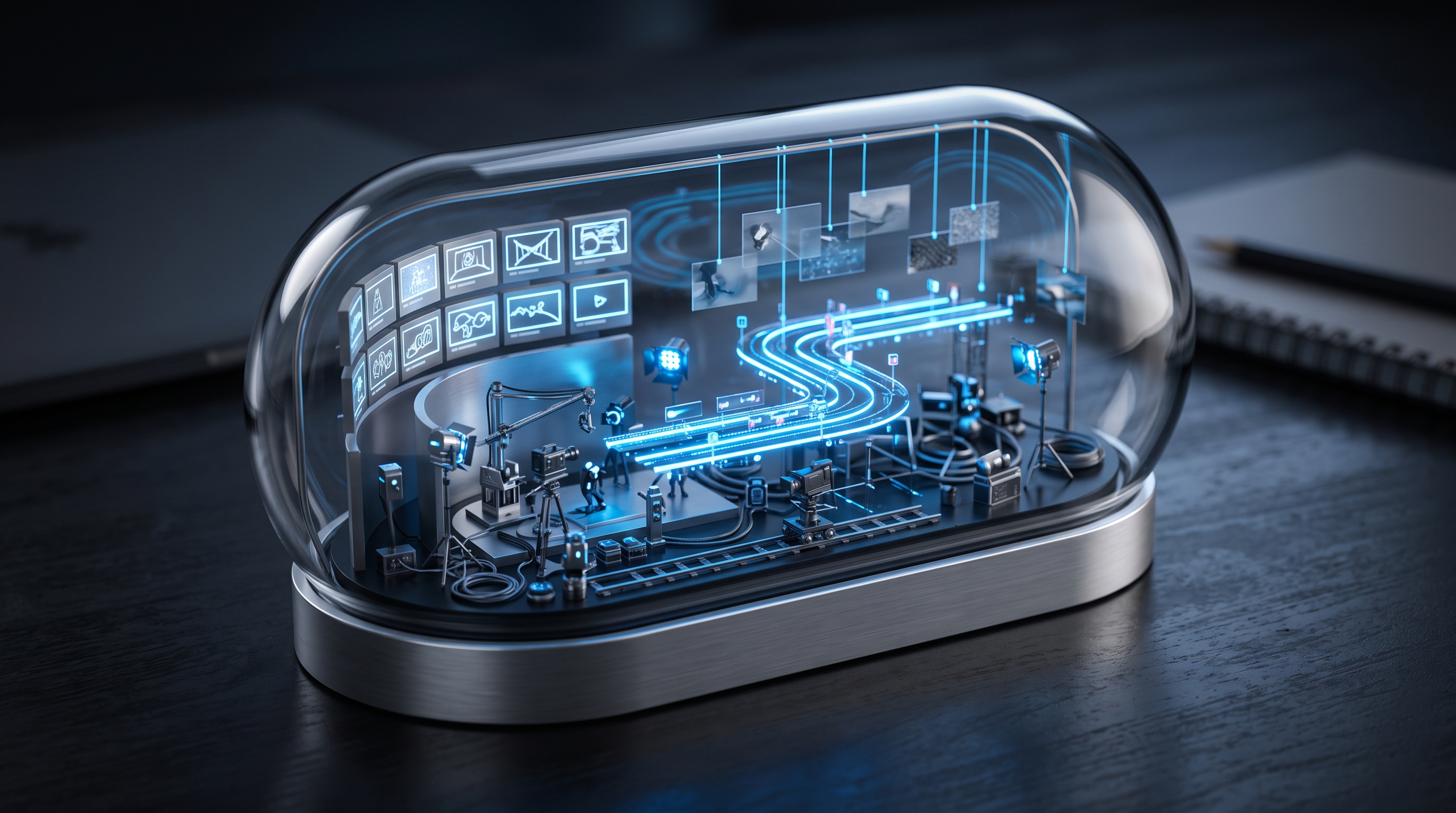
Premium surreal overview image for Seedance 2.0 Mini with a miniature film production world inside a glass capsule

A compact workflow for moving ideas faster

Use Seedance 2.0 Mini when the idea needs a fast motion test before it needs the heaviest final-resolution render.

What it supports

Text-to-video generation
Image-to-video animation
Optional end image for transitions
4-15 second clips
480p and 720p output
Native audio generation

Best for

Fast campaign drafts
Image animation tests
Social video hooks
Product reveal concepts
Audio-ready short clips
Reference-first motion experiments

Create in the studio

Start with the model selected, then tune resolution, duration, and prompt direction from the same workflow.

Try Seedance 2.0 Mini
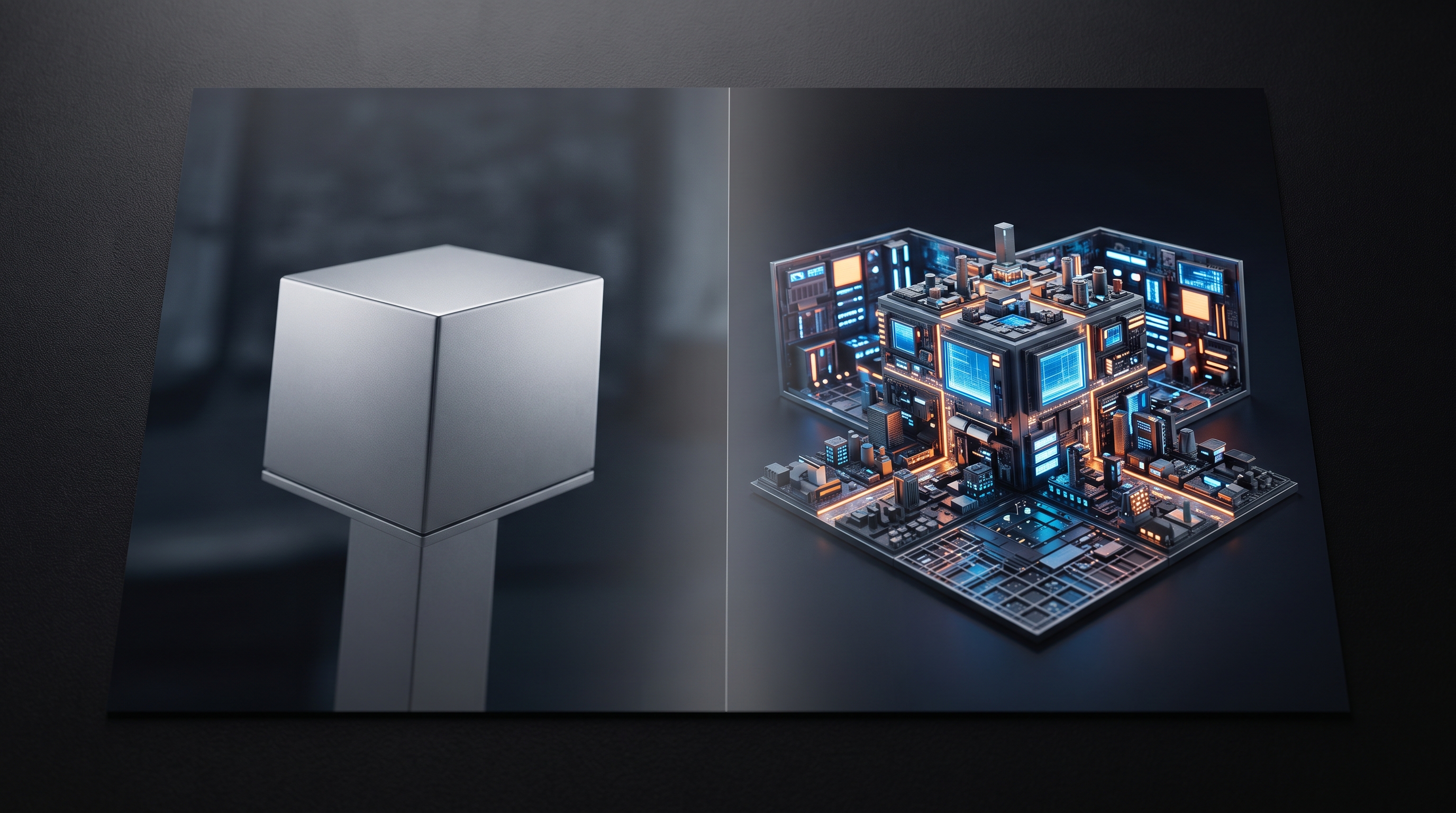
Seedance 2.0 Mini text-to-video surreal product scene

Text-to-video without the heavy setup

Write the subject, camera movement, lighting, and mood, then let Seedance 2.0 Mini build a compact cinematic clip. It is useful when you need to test a visual direction before committing to a heavier render.

Try for free
Seedance 2.0 Mini image-to-video anchored product animation

Image-to-video for anchored motion

Upload a source image when the product, character, object, or composition already matters. Mini adds movement while keeping the first frame as the creative anchor.

Try for free
Seedance 2.0 Mini start and end frame transition example

End-frame transitions for clearer direction

Add an ending image when the clip should move toward a specific final look. This is helpful for transformations, before-and-after ideas, and campaign beats that need a visible destination.

Try for free
Seedance 2.0 Mini audio-ready social campaign visual

Audio-ready clips for social testing

Seedance 2.0 Mini can generate with audio, so prompts can include atmosphere, sound design, and pacing. That makes rough social concepts feel closer to something you can review.

Try for free

Why use Mini

Seedance 2.0 Mini is built for quick direction, not vague drafts

Text-to-video and image-to-video in one model page

Seedance 2.0 Mini supports both prompt-only generation and image animation, so creators can test from scratch or animate a source frame from the same studio route.

480p for fast tests, 720p for stronger previews

Use 480p when you are exploring direction and 720p when the motion, framing, and audio are worth reviewing more seriously.

End image support for transition control

When an ending frame is provided, Mini can guide the clip toward a defined visual target instead of treating motion as a random camera pass.

Native audio for better social review

Audio can be generated with the clip, which helps campaign hooks, atmospheric scenes, and short social ideas feel more complete earlier in the process.

How to use it

Start simple, then add references when the idea needs control

01

Choose text or image mode

Start from a prompt for a new scene, or upload an image when the first frame should stay visually anchored.

02

Set duration and resolution

Pick a 4-15 second duration and choose 480p for draft speed or 720p for a more useful preview.

03

Add an end image when the motion needs a target

For transitions and before-after ideas, use an ending image so the clip has a clearer destination.

Best use cases

Where Seedance 2.0 Mini fits in a real creator workflow

Quick product reveal drafts

Test camera movement, surface reflections, light direction, and pacing before spending more time on a final render.

Image-first social concepts

Animate a finished image, product still, character frame, or AI-generated visual into a short social clip.

Transition and before-after shots

Use start and end frame control to explore transformation ideas, style shifts, and visual storytelling beats.

Audio-ready mood tests

Include sound, atmosphere, and pacing in the prompt when a rough clip needs to feel closer to a real post or ad.

Prompt examples

Creative prompts for testing Seedance 2.0 Mini

Fast text-to-video product world

A matte black camera rests on wet obsidian stone while tiny glowing blue fish swim out of the lens, slow macro push-in, cyan rim light, warm amber reflections, premium cinematic product reveal, subtle audio ambience, no text, no logos.

Image-to-video motion prompt

Keep the source object centered and preserve its shape. Add a slow camera push, soft mist, moving cyan rim light, realistic reflections, gentle atmospheric sound, and premium campaign pacing.

End-frame transformation

Start as a clean studio product shot and end as the same product surrounded by glowing botanical details. Smooth controlled transition, shallow depth of field, dark reflective floor, elegant audio atmosphere.

Vertical social hook

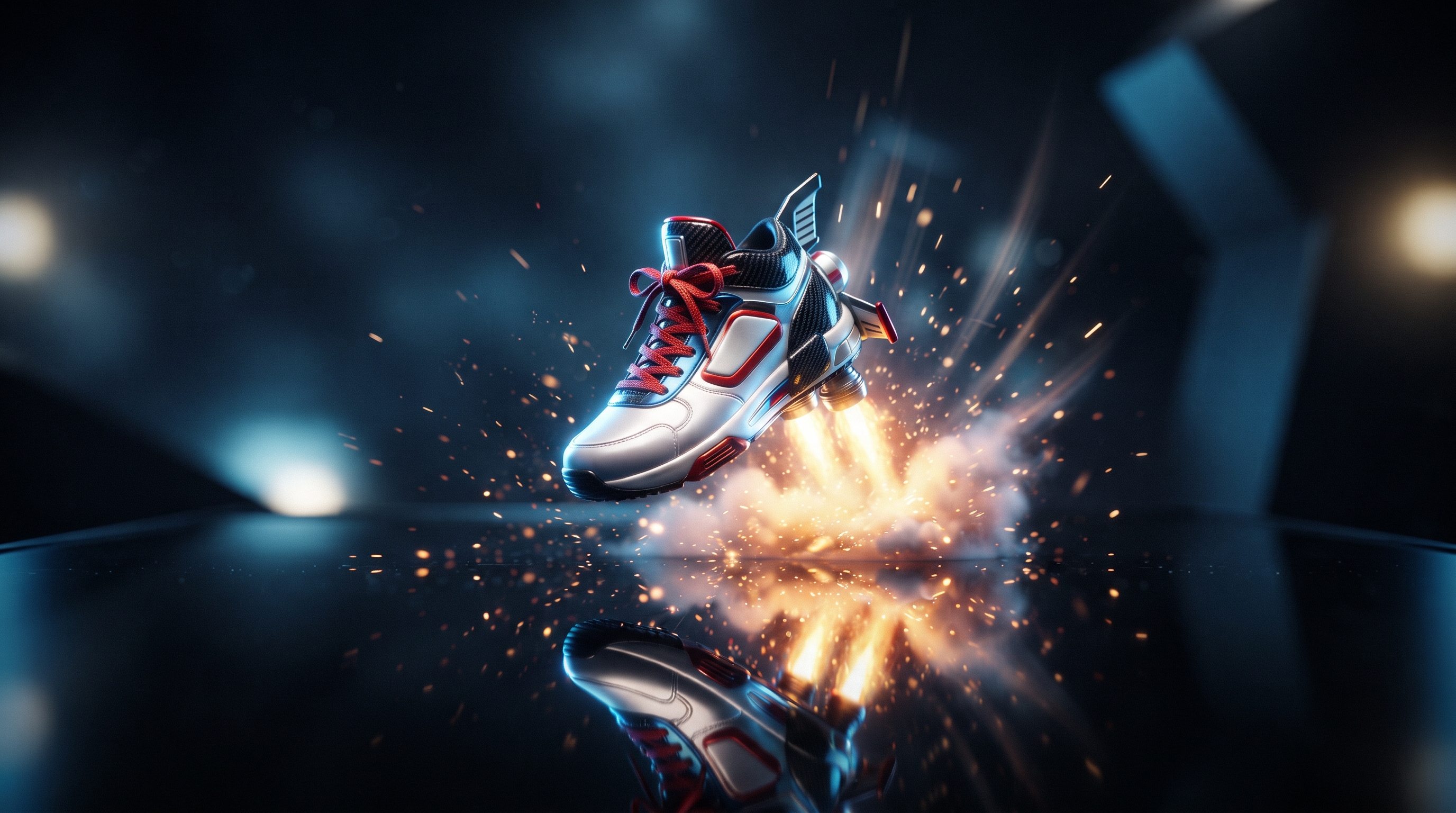
A vertical surreal ad where a silver sneaker floats above a black reflective floor and releases tiny glowing vines, slow rotation, cyan backlight, gold highlights, realistic materials, no readable text.

Seedance 2.0 Mini FAQ

Direct answers about Seedance Mini on Vevaro

What is Seedance 2.0 Mini?

Seedance 2.0 Mini is a faster Seedance 2.0 video model available on Vevaro for text-to-video and image-to-video generation through Fal.

Does Seedance 2.0 Mini support image-to-video?

Yes. You can upload an image and describe how it should move, with optional end-frame direction for transition-style clips.

What resolutions does Seedance 2.0 Mini support?

Vevaro exposes 480p and 720p for Seedance 2.0 Mini. Use 480p for faster direction tests and 720p for stronger previews.

How long can Seedance 2.0 Mini videos be?

Seedance 2.0 Mini supports 4-15 second generations on Vevaro.

Does Seedance 2.0 Mini generate audio?

Yes. Seedance 2.0 Mini supports audio generation, so prompts can include atmosphere, sound design, or social-video pacing.

How is Seedance 2.0 Mini different from Seedance 2.0?

Seedance 2.0 Mini is better for faster iteration at 480p or 720p. Seedance 2.0 is better when you want the full premium path with 1080p available.

Related models

Compare nearby options.

View all models

Ready to try Seedance 2.0 Mini?

Open the studio with Seedance 2.0 Mini selected and start generating with the settings already mapped to the right workflow.

Try Seedance 2.0 Mini