1K is the right first move
Start with 1K when you are still judging the concept. On Vevaro, the default Nano Banana Pro image costs 30 credits, so a free account can create a real first result before moving into higher settings.
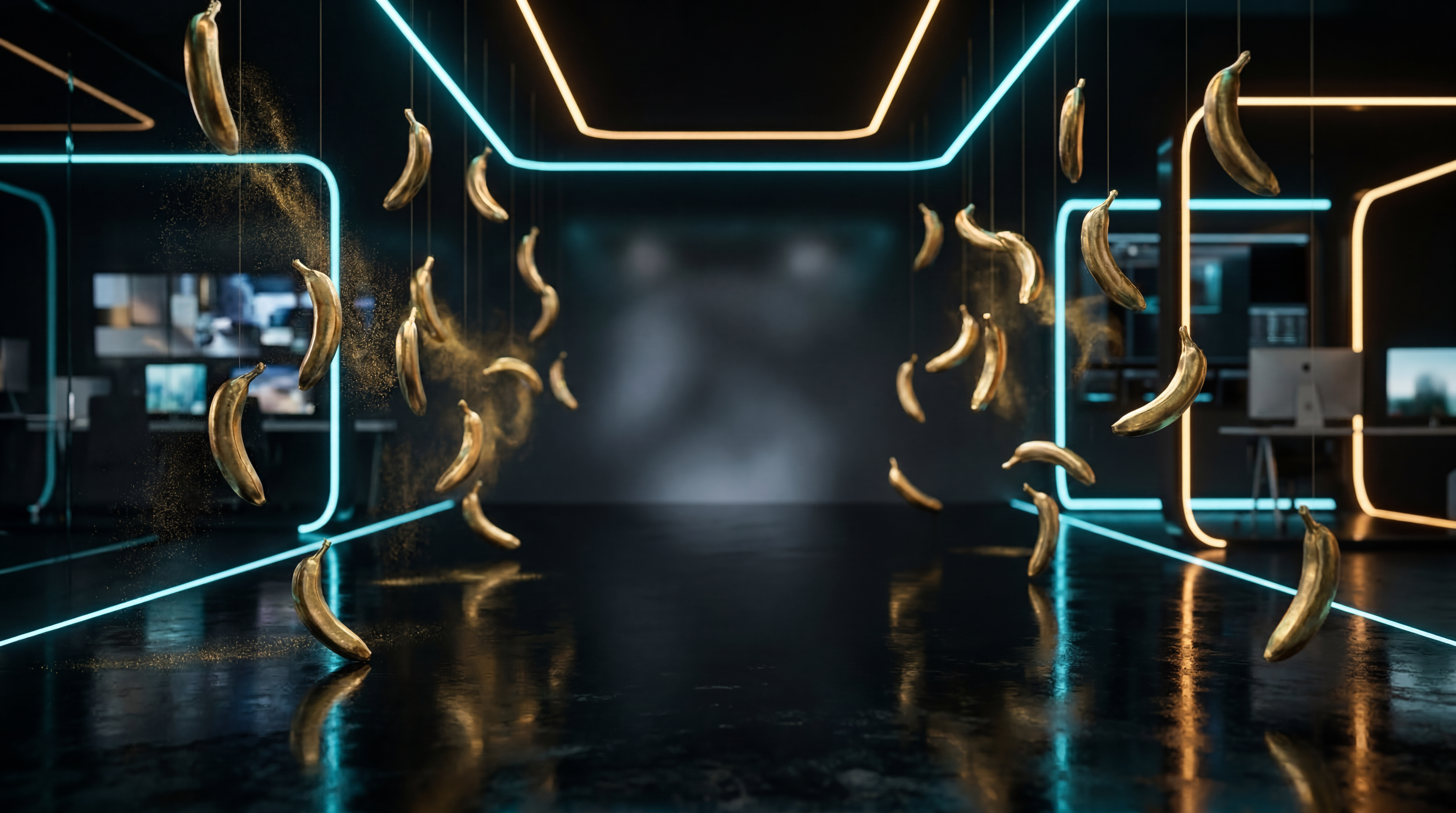
A playful name can still make serious images. Use Nano Banana Pro for deliberate, high-detail visuals: surreal product scenes, controlled lighting, sharper edits, and campaign-ready composition from a plain prompt.
A sharper image path
Nano Banana Pro is the image model to open when the brief is already a little specific. If you know the product, surface, light direction, lens feel, color palette, or final use, it gives you room to write that direction instead of hoping the model guesses it.
On Vevaro, it sits inside the image studio with 1K, 2K, and 4K output choices. The default 1K path is meant for fast first passes, while 2K and 4K are better saved for the frame that already has the right composition.
The page visuals are deliberately weird because the model benefits from that kind of specificity. A banana can become a product still, a tech macro, an edit reference, or a fashion-ad object when the prompt describes light, material, camera, and intent.
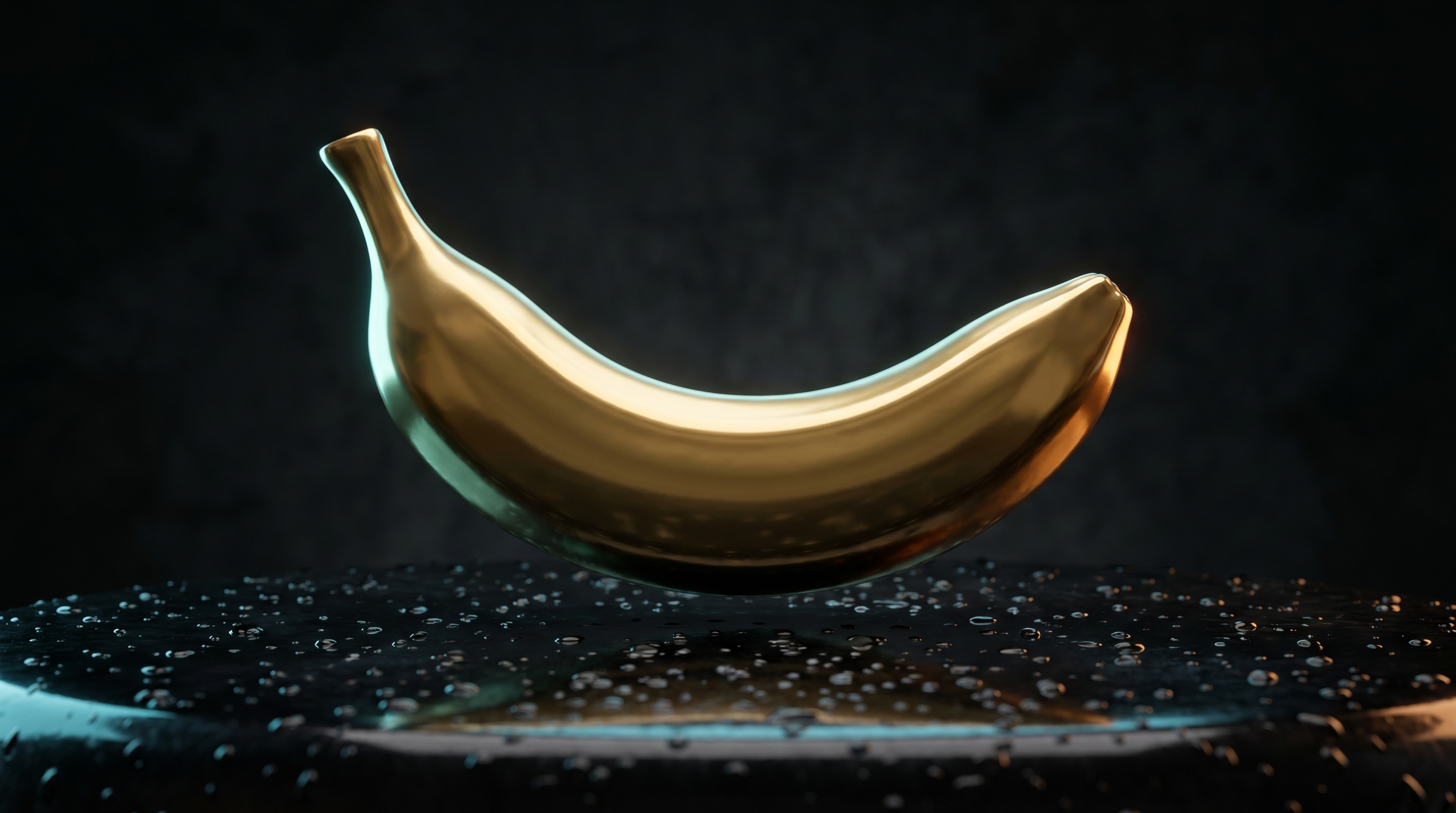
The polished golden banana gives the page a memorable visual language while still showing the model as a serious campaign-image tool.
Start with the model selected, then tune resolution, duration, and prompt direction from the same workflow.
Try Nano Banana ProPractical control
Start with 1K when you are still judging the concept. On Vevaro, the default Nano Banana Pro image costs 30 credits, so a free account can create a real first result before moving into higher settings.
Higher output is most useful once the subject, framing, light, and mood already work. That keeps credits focused on the image you actually want to polish.
Nano Banana Pro responds best when the prompt includes material, surface, lighting, camera feel, background, composition, and what should not appear in the image.
Use image-to-image when the product, pose, or composition should stay anchored, then change the setting, styling, lighting, or campaign direction around it.
A page with a pulse
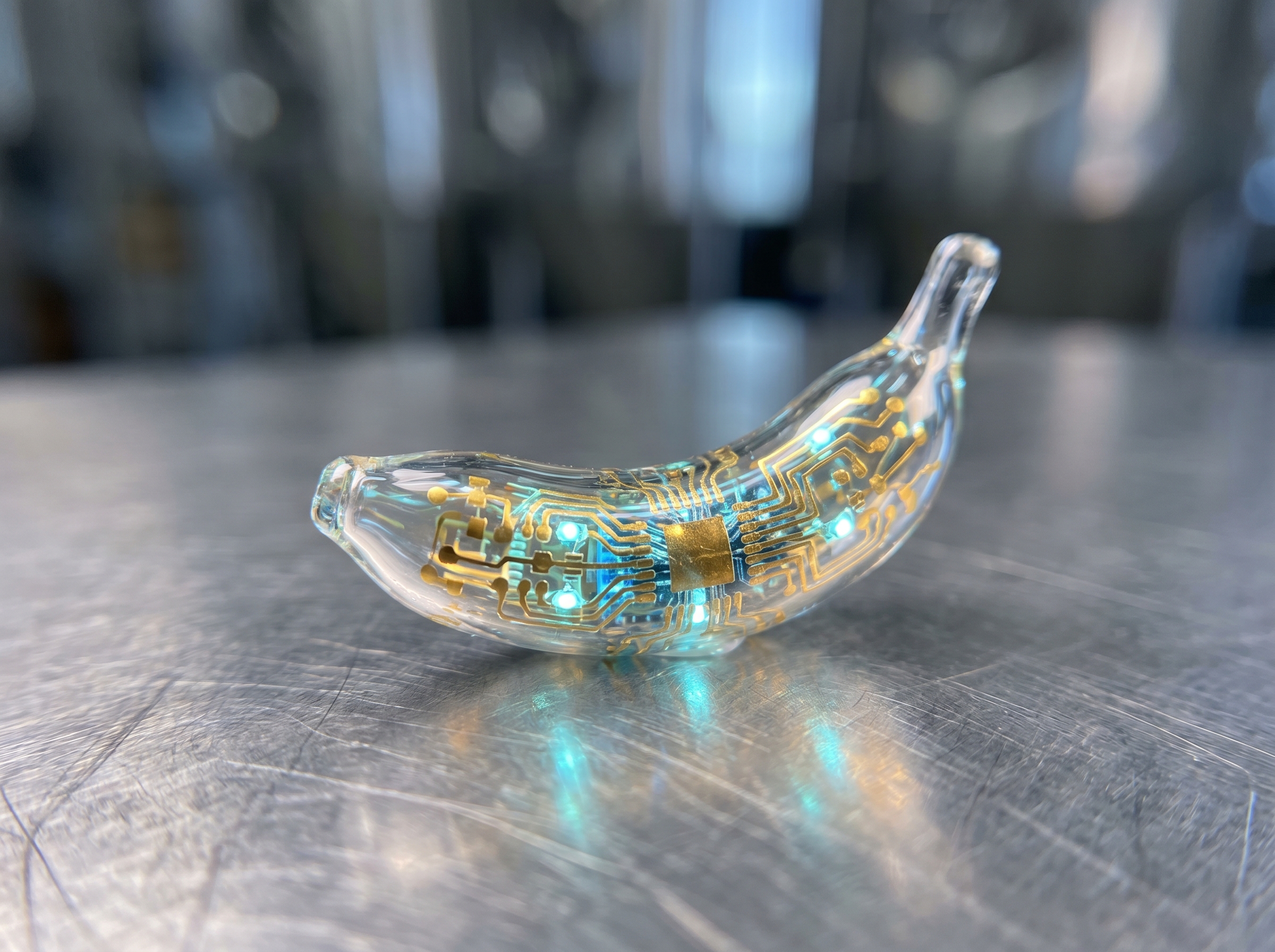
Tiny material details, translucent glass, brushed titanium, and micro-circuit light make the model name feel intentional instead of random.
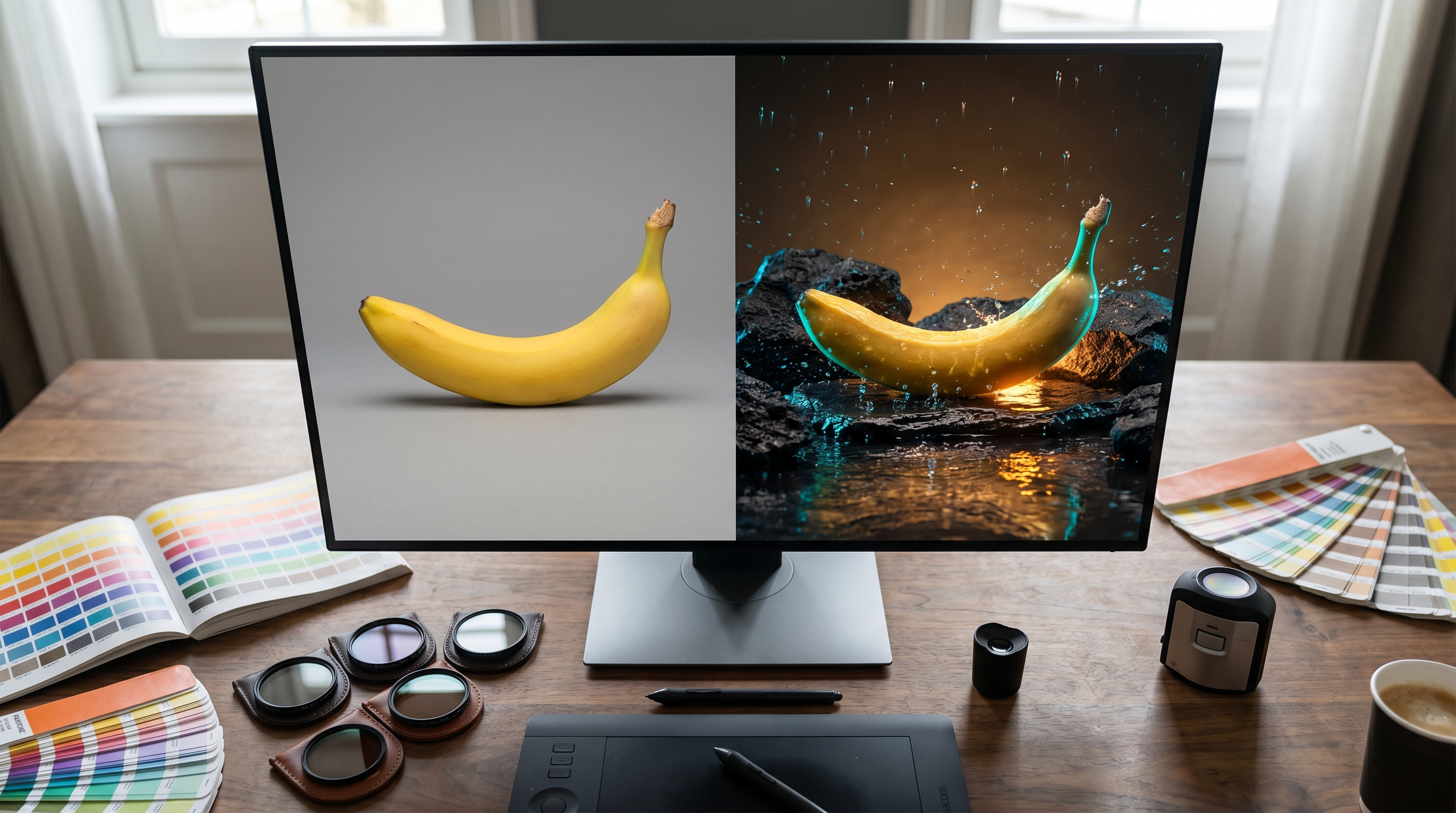
Start with a plain object, then use image editing to reshape the background, light, surface, and campaign mood without losing the subject.
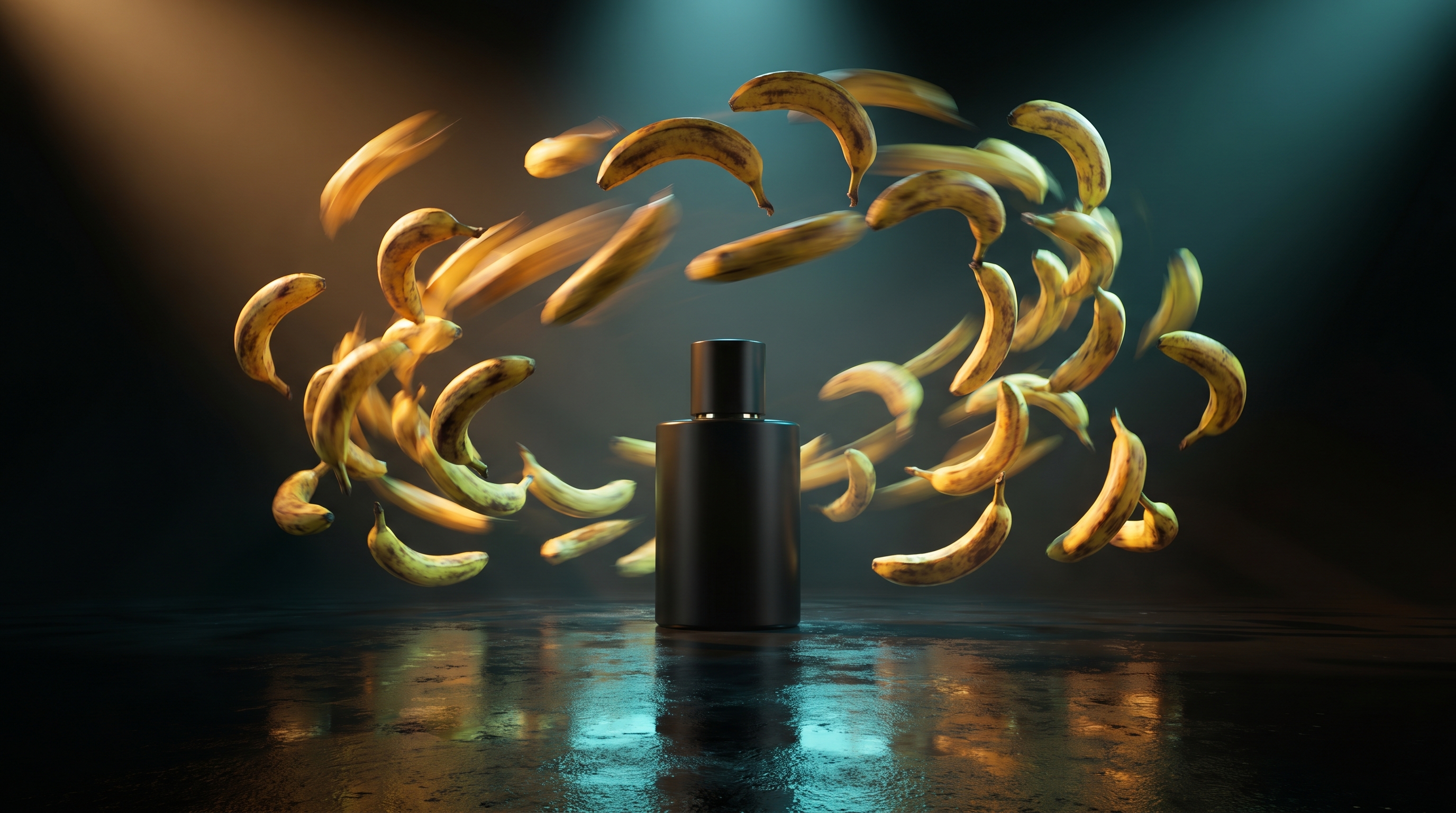
The best strange images keep product placement, light, motion blur, reflections, and negative space under control.
Working method
Write whether the image is for a product hero, ad concept, thumbnail, landing page, moodboard, or source frame for video. The final use should shape the composition.
Add the subject, material, surface, lens feel, light direction, background, color accents, and negative space. Short prompts work, but vague prompts make the first pass harder to judge.
Use the first result to judge the idea. If the frame is strong, move to a sharper setting or edit pass instead of restarting from scratch.
Where it earns its place
Create controlled product stills for fragrances, wearables, packaging, tech accessories, cosmetics, and launch concepts before committing to a real shoot.
Build campaign frames with surface, lighting, and composition already considered, then hand the strongest version into design, social, or landing-page work.
Upload an existing visual and ask for a new background, richer light, cleaner styling, or a different product environment while keeping the important subject intact.
Generate a clean first frame, then use it for image-to-video when motion needs a more controlled visual anchor.
Prompt starters
“A surreal premium cinematic scene where golden bananas are raining slowly over a dark futuristic creative studio, glossy black floor with realistic reflections, cyan and amber rim lighting, a few bananas frozen mid-air like high-end product photography, dramatic depth of field, elegant negative space in the center, ultra realistic, editorial campaign look, no readable text, no logos, no people, no cartoon style.”
“A macro photograph of a tiny translucent nano banana made of glass and glowing micro-circuit details, resting on brushed titanium, cyan light passing through it, shallow depth of field, premium technology campaign style, realistic materials, strange but beautiful, no text, no logos.”
“A surreal fashion-ad style scene with hundreds of bananas orbiting around a matte black fragrance bottle in a dark studio, some bananas blurred in motion, polished reflections on wet black floor, cyan and amber cinematic lighting, high-end editorial campaign composition, realistic photography, no text, no logos, no hands.”
Plain answers
Nano Banana Pro is best for sharper AI image generation, product shots, campaign stills, ad concepts, concept art, and image edits where the prompt needs to control surface, lighting, material, and composition.
Yes. On Vevaro, Nano Banana Pro supports an image-to-image workflow. Upload a source image, describe what should change, and keep the edited result in the same studio session.
Start with 1K when exploring an idea. Move to 2K or 4K after the image direction is working and the extra detail is worth the credits.
Yes. The default 1K Nano Banana Pro generation is set to 30 credits on Vevaro, so a free account with 30 starting credits can create one default image.
A good prompt names the subject, material, surface, light direction, lens or camera feel, background, color mood, composition, and exclusions such as no text, no logo, or no hands when needed.
Yes. A clean Nano Banana Pro still can be used as a source frame for image-to-video models when you want the video to start from a more controlled product, character, or campaign image.
Related models
OpenAI
Use GPT Image 2 on Vevaro for text-to-image generation and image editing with quality, aspect ratio, and PNG, JPEG, or WebP output controls powered by OpenAI.
Recraft
Use Recraft 4.1 Pro on Vevaro for high-resolution AI image generation with strong composition, brand-ready detail, editorial 35mm looks, product campaign stills, and polished hero visuals.
Alibaba
Generate detailed scenes, graphics, and prompt-controlled visuals with Qwen Image 2 on Vevaro.
Ideogram
Create graphic layouts, text-forward visuals, posters, thumbnails, and creative compositions with Ideogram V3 on Vevaro.
Open the studio with Nano Banana Pro selected and start generating with the settings already mapped to the right workflow.