Text-to-video and image-to-video in one workflow
Start from a prompt when you want the model to imagine the scene, or upload an image when you need to preserve a subject, product, frame, or visual direction.
Create polished text-to-video and image-to-video clips with natural motion, atmospheric detail, and flexible output up to 4K.
Why creators use Veo 3.1
Veo 3.1 is built for creators who want fast cinematic exploration without leaving the browser. On vevaro, you can use it from a written prompt or animate a source image when the first frame matters.
The model lineup is practical for real production work: Lite for accessible drafts, Fast for balanced iteration, and Quality when you want the strongest final render. That makes Veo useful for concept clips, social videos, product motion, visual pitches, and atmospheric scenes.
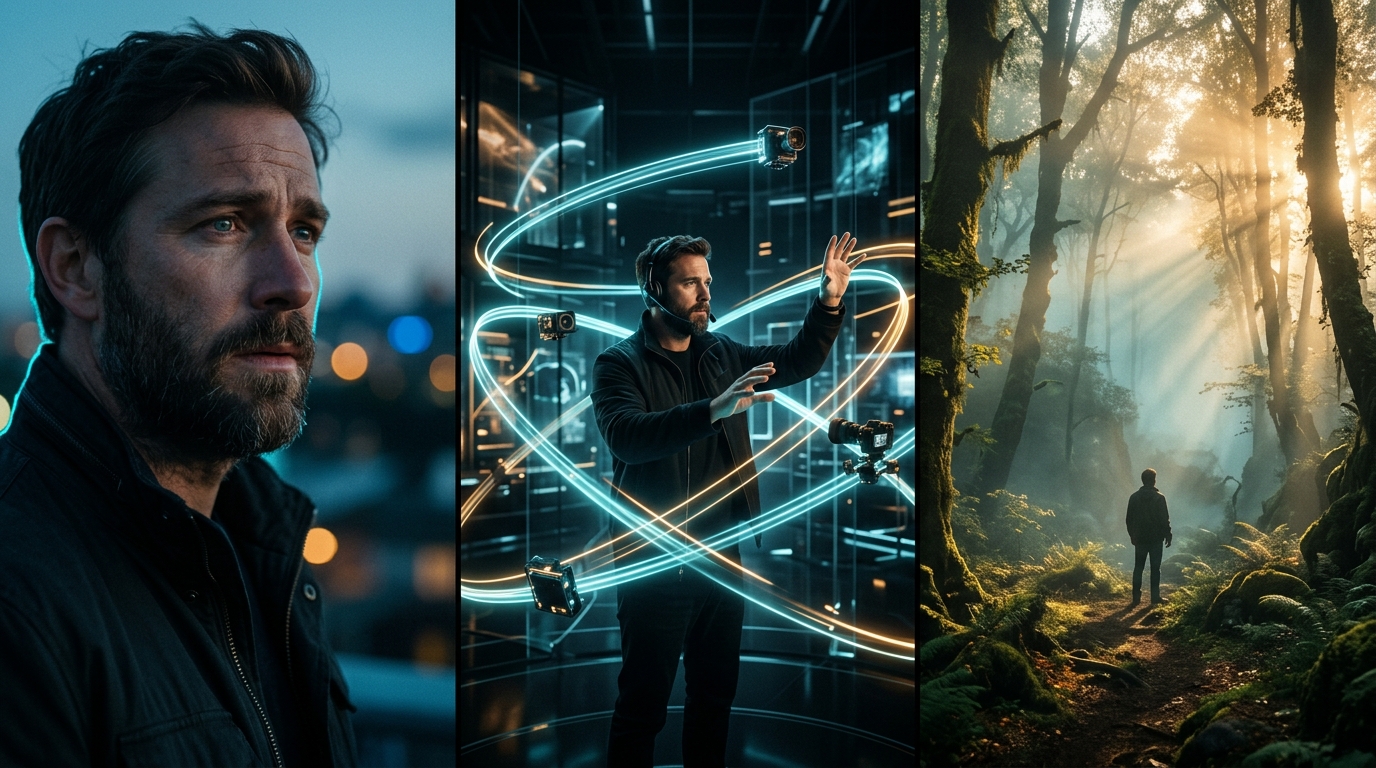
Write a scene like a director and let Veo 3.1 build the mood, lighting, camera movement, and realistic motion.
Start with the model selected, then tune resolution, duration, and prompt direction from the same workflow.
Generate with Veo 3.1Powerful features
Start from a prompt when you want the model to imagine the scene, or upload an image when you need to preserve a subject, product, frame, or visual direction.
Pick the speed and quality profile that matches the job. Use faster modes to test ideas, then move to higher-quality output when the direction is locked.
Veo 3.1 supports common production resolutions across the vevaro studio, including 720p, 1080p, and 4K options depending on the selected tier and settings.
Veo is especially useful for cinematic camera movement, atmospheric landscapes, product shots, lifestyle footage, and scenes where motion needs to feel grounded.
Visual showcase
Turn one still frame into a cinematic AI video with rain, reflections, atmosphere, and subtle camera movement.
Create premium product, fashion, automotive, and brand visuals with polished lighting and ad-ready movement.
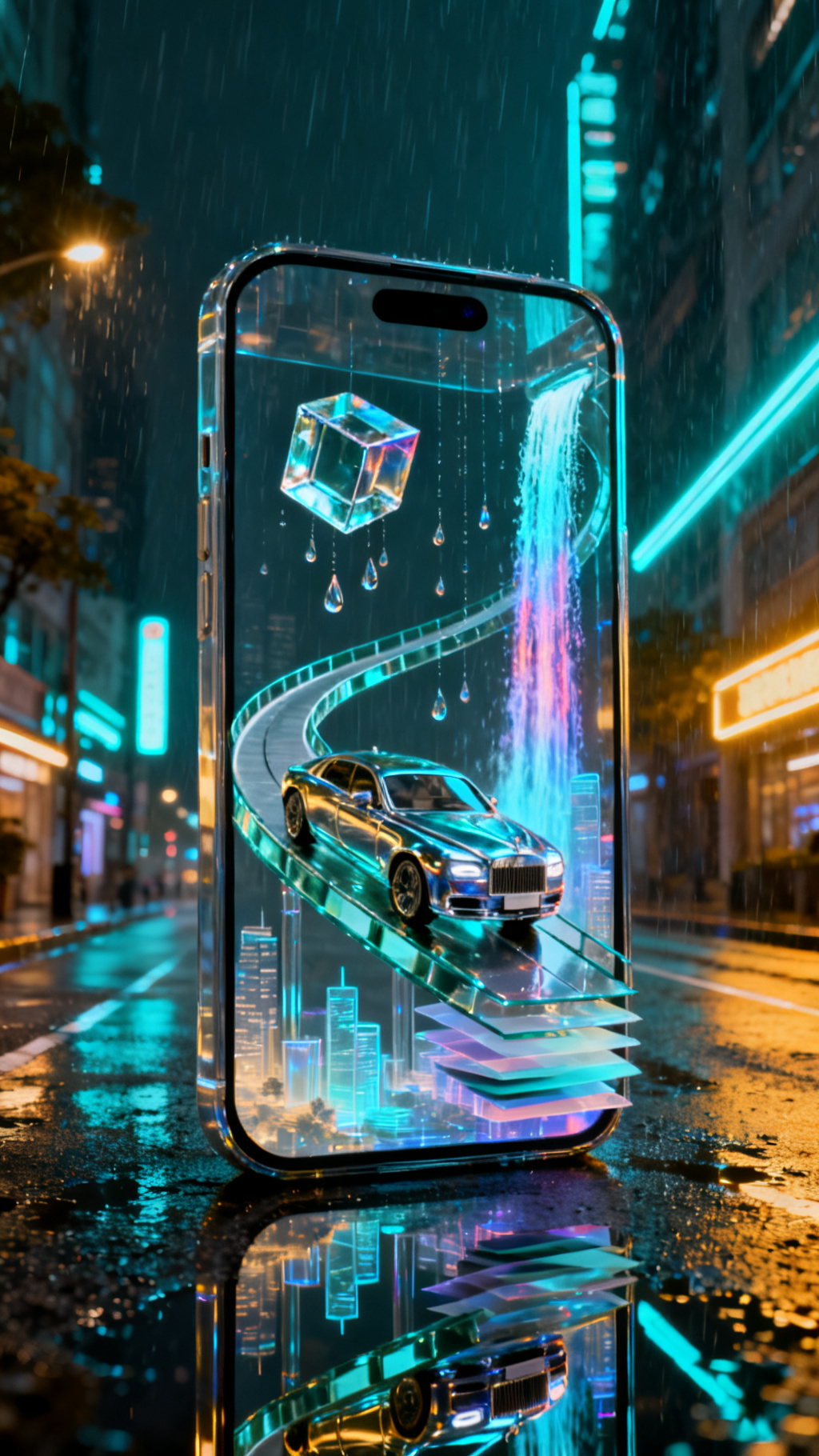
Build vertical Veo clips for Reels, Shorts, TikTok, creator promos, and mobile-first story moments.
How it works
Open the text-to-video or image-to-video studio and select the Veo tier that matches your goal: Lite, Fast, or Quality.
Describe the subject, camera movement, lighting, setting, mood, and timing. Veo responds well to clear cinematic language.
Create a first pass, compare the result, then adjust the prompt, resolution, or model tier for a sharper final clip.
Use cases
Mock up product motion, campaign ideas, and social ads before committing to a full shoot or animation pipeline.
Turn a scene description into a moving concept clip for client pitches, creative direction, or pre-production planning.
Generate polished short clips for reels, shorts, intros, visual hooks, and quick content experiments.
Prompt examples
“A sleek black wireless headphone case opens on a reflective glass table, slow dolly-in, soft blue rim light, premium tech commercial, shallow depth of field.”
“A wide cinematic shot of mist rolling through a pine forest at sunrise, gentle camera drift, realistic lighting, natural motion, calm documentary tone.”
“Subtle push-in, fabric moving in the wind, background lights flickering softly, natural head turn toward camera, cinematic evening mood.”
FAQ
Veo 3.1 is best for cinematic short video, natural motion, prompt-based concept clips, image animation, product motion, and fast visual exploration.
Yes. On vevaro, Veo 3.1 is available in both text-to-video and image-to-video workflows, so you can start from a prompt or animate an uploaded image.
Use Lite for accessible drafts, Fast for balanced iteration, and Quality when you want a stronger final render with more detail.
Veo 3.1 supports 720p, 1080p, and 4K output options on vevaro depending on the tier and generation settings you select.
Related models
OpenAI
Generate cinematic AI videos with Sora 2 on vevaro using text prompts or image-to-video workflows.
Kuaishou
Generate advanced Kling 3.0 videos with standard/pro modes, image-to-video, text-to-video, and motion control workflows.
ByteDance
Use Seedance 2.0 on Vevaro for text-to-video and image-to-video generation with start/end frame control, audio, 4-15 second duration, and 480p, 720p, or 1080p output.
Alibaba
Use Wan 2.7 on vevaro for text-to-video and image-to-video generation with 2-15 second control and up to 1080p output.
Open the studio with Veo 3.1 selected and start generating with the settings already mapped to the right workflow.