Text-to-video for clean, direct scenes
Seedance 1.0 is easiest to use when the prompt names one subject, one camera move, and one visual mood. Use it for simple cinematic drafts before testing newer, heavier models.
Try text to videoUse Seedance 1.0 when you want a simple, proven ByteDance video model for text-to-video and image-to-video clips. It is older than Seedance 2.0, but still useful for clean prompts, quick product motion, and straightforward social video drafts.
Seedance 1.0 is easiest to use when the prompt names one subject, one camera move, and one visual mood. Use it for simple cinematic drafts before testing newer, heavier models.
Try text to video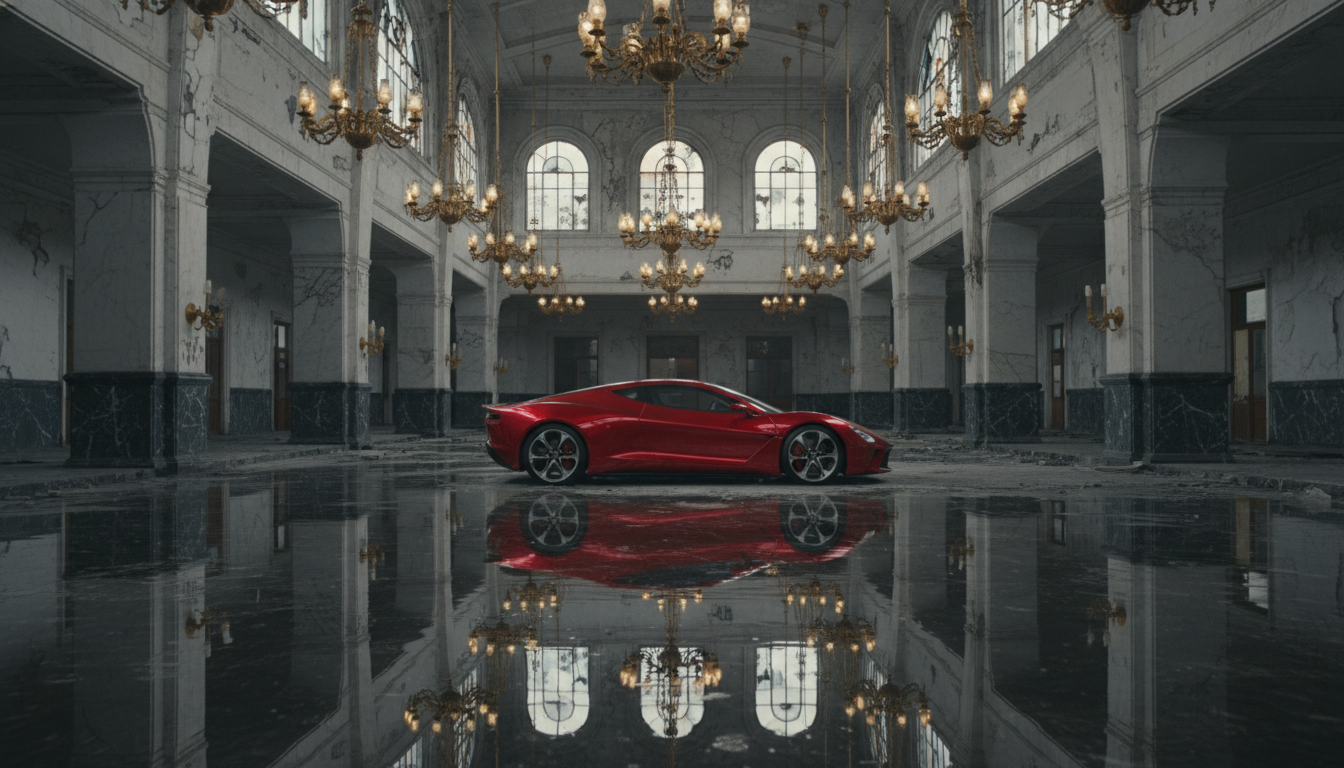
Upload a product still, character frame, poster concept, or campaign image and describe only the motion. This keeps the workflow fast because the image already carries the composition.
Animate an image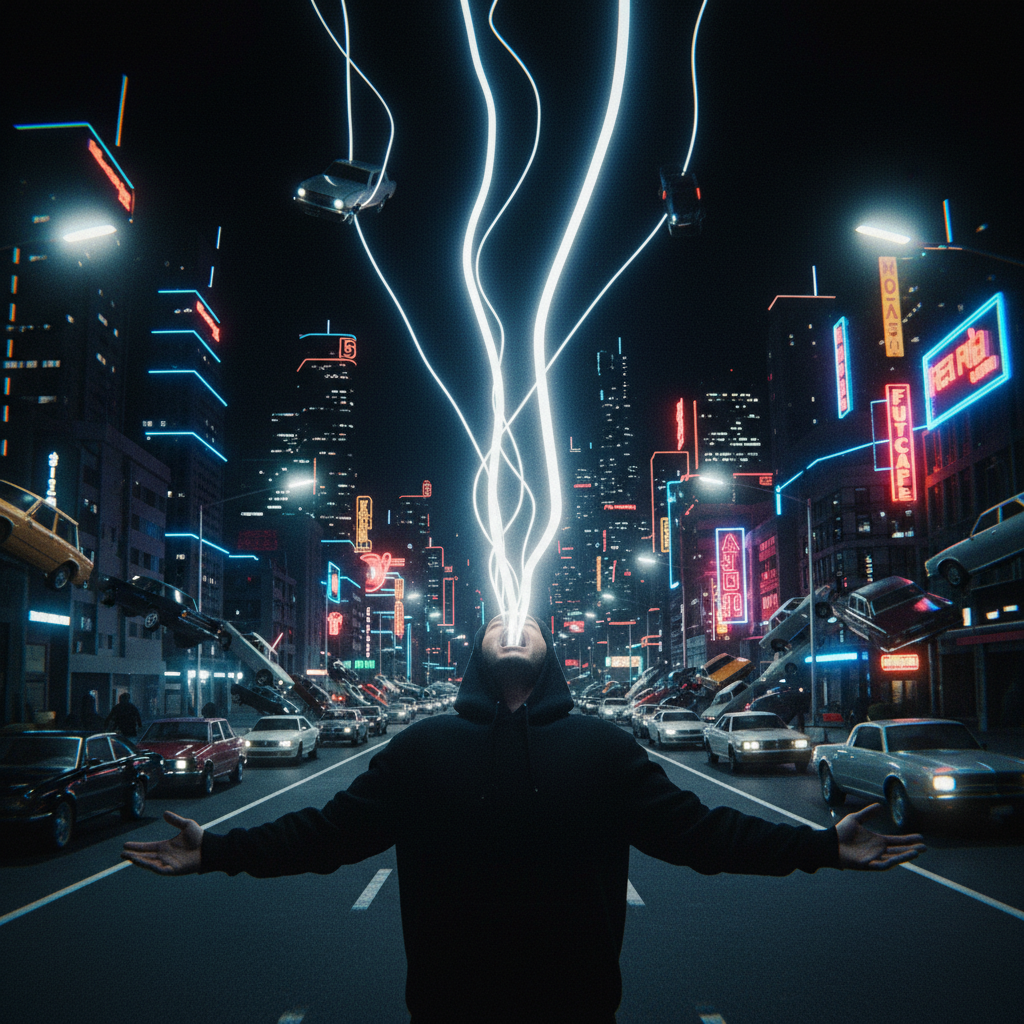
Use Lite when you only need to see if the idea moves. Use Pro when the result needs more stable motion, cleaner camera direction, or a clip worth sharing with a client.
Open Seedance Pro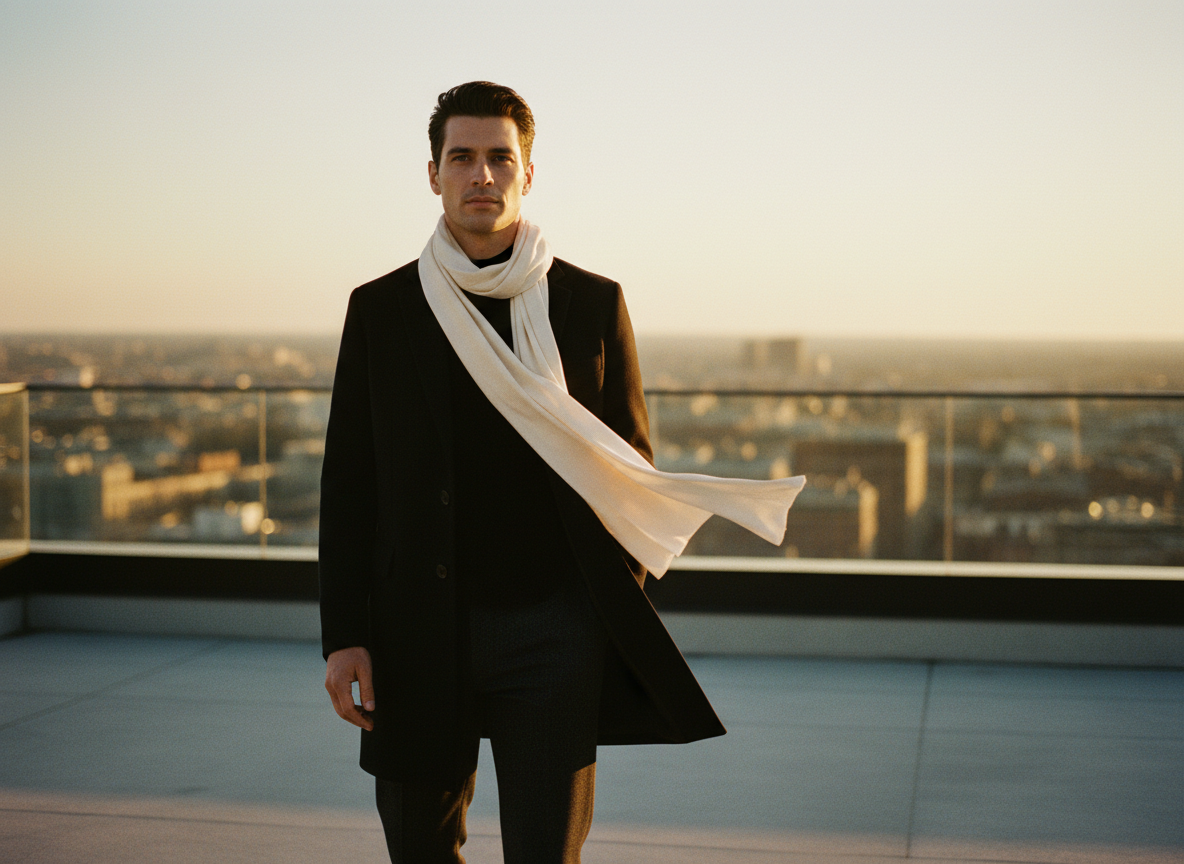
Seedance 1.0 is still useful for straightforward motion. Move to Seedance 2.0 when you need start/end frame control, longer 4-15 second ranges, audio-ready workflows, or more directed transitions.
Compare Seedance 2.0Start with the model selected, then tune resolution, duration, and prompt direction from the same workflow.
Try Seedance 1.0Seedance 1.0 quick read
Seedance 1.0 works best when the shot is not overloaded: one subject, clear action, simple camera movement, and a readable lighting direction.
It is a practical older model for checking whether a product, scene, or source image has enough motion potential before moving to Seedance 2.0.
Start from text when the model should invent the scene. Start from an image when the composition already matters.
With 5 or 10 second durations and 480p, 720p, or 1080p options, it is easy to run quick comparisons across Lite, Pro, and newer models.
How to use it
Pick Lite for quick direction checks or Pro when you want a cleaner first draft.
Name the subject, action, camera move, lighting, and mood. Avoid stacking too many scene changes into one short clip.
If the idea works, test the same prompt in Seedance 2.0 when you need stronger control or a more modern workflow.
Best use cases
Create simple 5 or 10 second clips for hooks, mood tests, short ads, and motion experiments.
Try slow camera pushes, reflection movement, object reveals, and simple premium product shots.
Use Seedance 1.0 image-to-video when a still image already has the look and just needs motion.
Useful for creators comparing Seedance 1.0, Seedance 1.5, Seedance 2.0 Mini, and Seedance 2.0.
Seedance 1.0 prompt examples
“A matte black perfume bottle on wet black stone, slow camera push-in, soft cyan rim light, warm amber reflection, subtle mist, premium commercial look, no text, no logos.”
“Keep the source image composition stable. Add a slow camera move, gentle light shift, subtle reflections, and soft atmospheric motion without changing the main subject.”
“A silver sneaker floating above a glossy black floor, slow rotation, soft mist, cyan backlight, warm highlights, realistic materials, short premium fashion ad.”
Seedance 1.0 FAQ
Seedance 1.0 is an older ByteDance AI video model available on Vevaro for text-to-video and image-to-video generation, with Lite and Pro workflow options.
Yes, for simple prompts, quick tests, older Seedance comparisons, and image-to-video drafts. For more control, Seedance 2.0 is usually the stronger next step.
Yes. On Vevaro, Seedance 1.0 includes image-to-video routes, so you can upload a source image and describe the motion.
Lite is better for faster, cheaper direction checks. Seedance 1.0 Pro is better when you want a more polished draft with stronger motion consistency.
Vevaro exposes 5 and 10 second options for Seedance 1.0 Lite and Pro workflows.
Use Seedance 1.0 for quick, straightforward drafts. Use Seedance 2.0 when you need start/end frame control, a newer model path, audio-ready workflows, or a stronger final result.
Related models
ByteDance
Use Seedance 2.0 on Vevaro for text-to-video and image-to-video generation with start/end frame control, audio, 4-15 second duration, and 480p, 720p, or 1080p output.
ByteDance
Use Seedance 2.0 Mini on Vevaro for fast text-to-video and image-to-video generation with audio, 4-15 second duration, 480p and 720p resolution, and optional end-frame control for guided transitions.
Vidu
Use Vidu Q3 on Vevaro for text-to-video and image-to-video generation with native audio, optional end-frame control, 1-16 second duration, and 360p to 1080p output.
Alibaba
Use Wan 2.7 on vevaro for text-to-video and image-to-video generation with 2-15 second control and up to 1080p output.
Open the studio with Seedance 1.0 selected and start generating with the settings already mapped to the right workflow.