Turn prompts into 35mm campaign stills
Create images with film grain, rich shadows, soft halation, and a polished editorial mood that feels closer to a real shoot.
Try for freeCreate high-resolution campaign images, 35mm editorial looks, product hero shots, and brand visuals with Recraft 4.1 Pro inside the Vevaro image studio.
Recraft 4.1 Pro workflow
Recraft 4.1 Pro is best when the image has a job: sell a product, set a brand mood, anchor a landing page, or test a campaign direction.
Instead of writing a loose aesthetic prompt, describe the subject, lens feel, lighting, texture, background, and where the image will be used. That gives the model a clearer target.
For a 35mm film look, include grain, halation, imperfect highlights, practical light, lens compression, and real surface detail. The result feels more photographed and less synthetic.
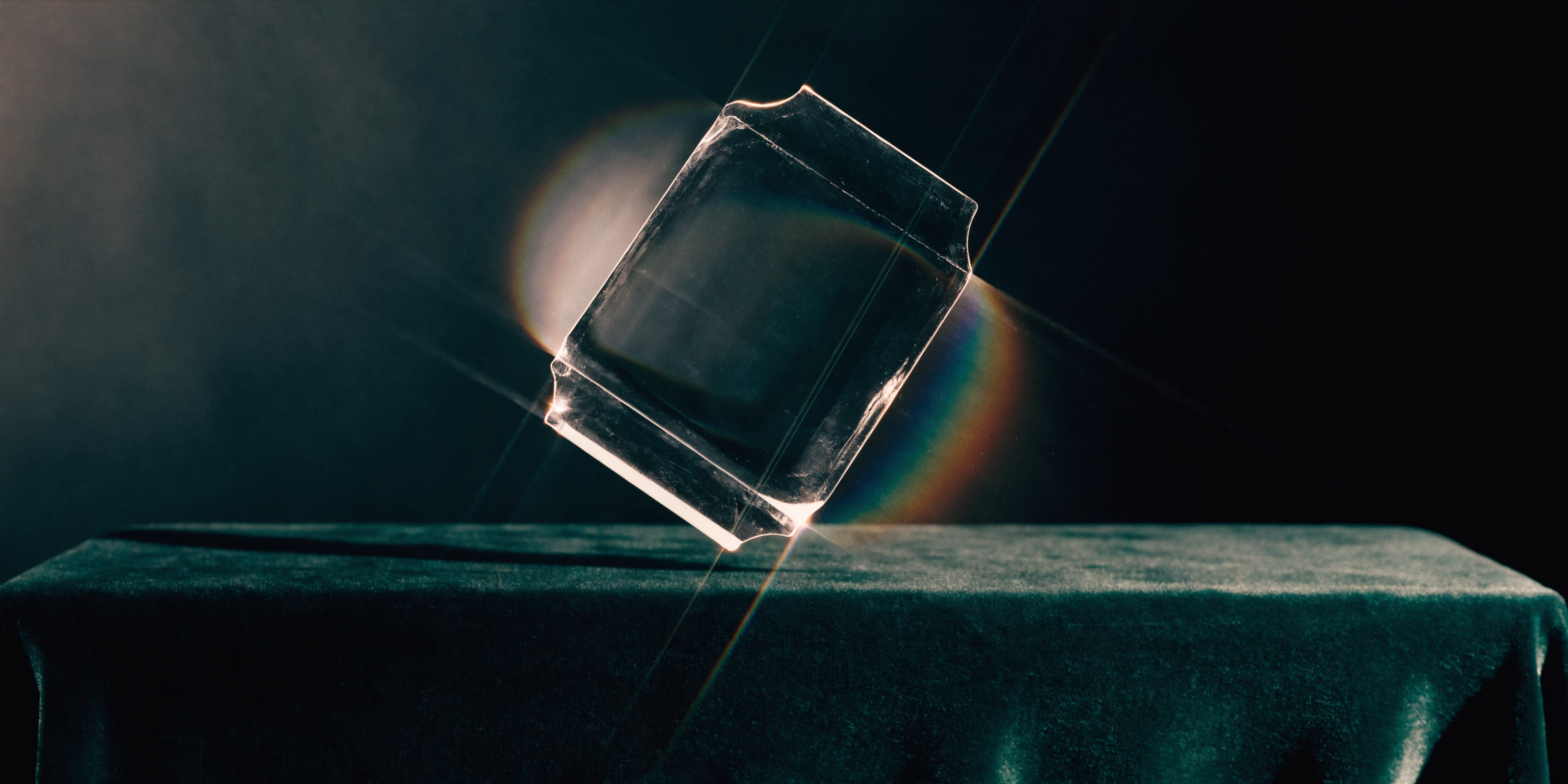
Start with a sharp visual language: 35mm grain, controlled shadows, clean negative space, and material detail that feels designed for a campaign.
Empieza con el modelo seleccionado y ajusta resolución, duración y dirección del prompt en el mismo flujo.
Try Recraft 4.1 ProCreate images with film grain, rich shadows, soft halation, and a polished editorial mood that feels closer to a real shoot.
Try for free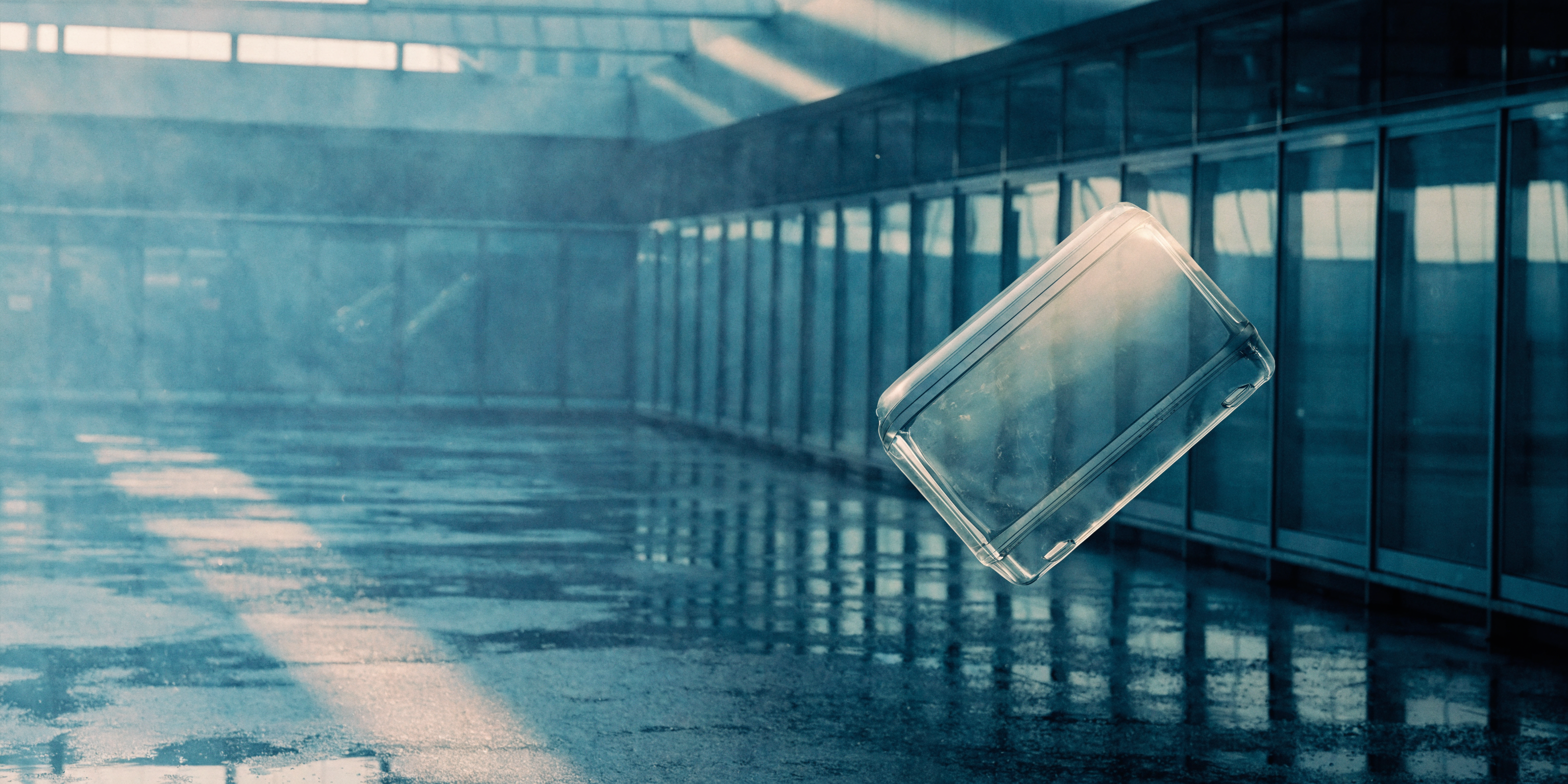
Generate wide, high-impact visuals with a clear subject, cinematic space, and enough breathing room for a landing page or campaign layout.
Try for free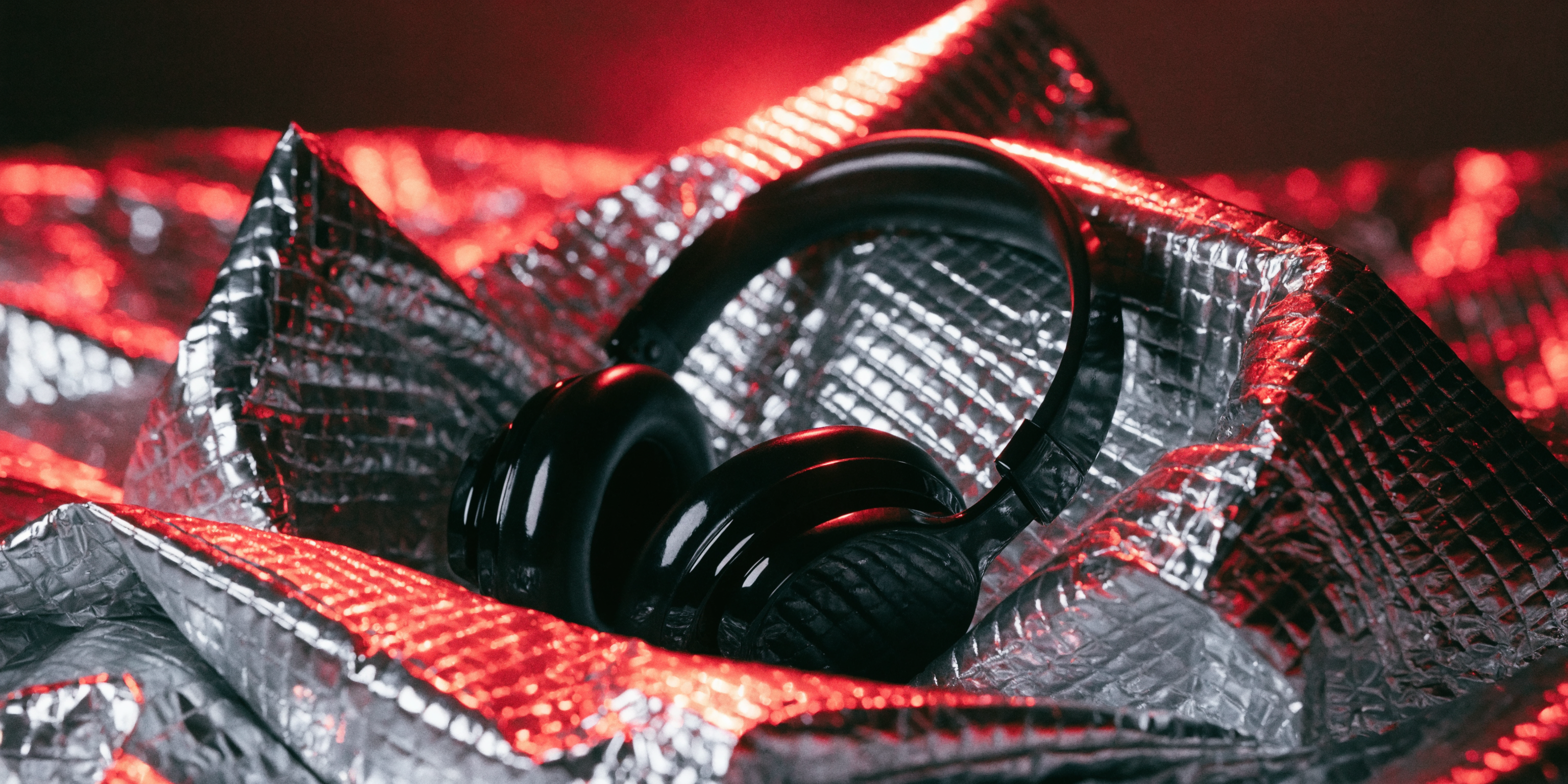
Move beyond plain product renders with stronger surfaces, controlled lighting, believable texture, and a more premium visual mood.
Try for free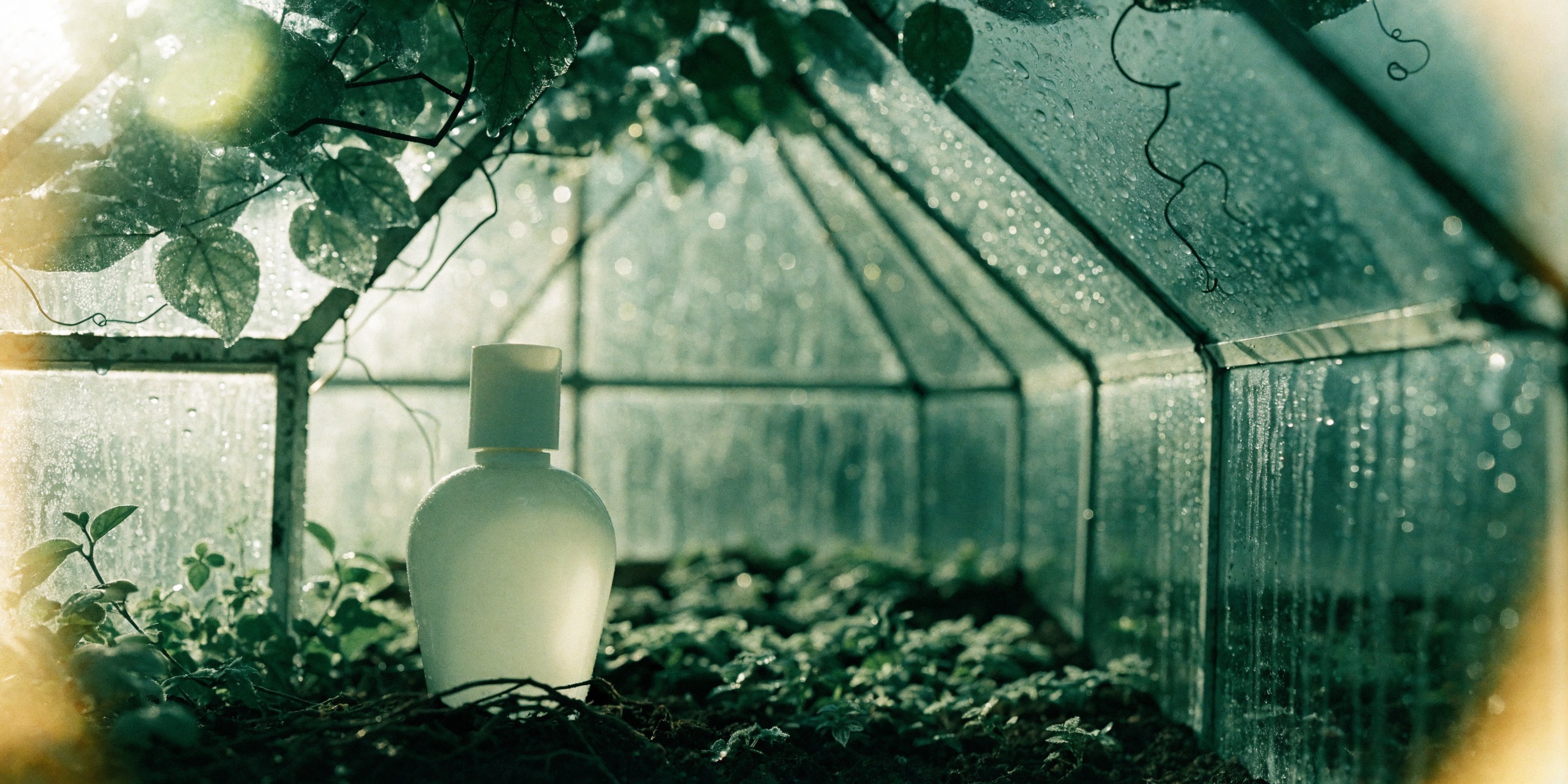
Explore campaign directions with consistent color, texture, lighting, and atmosphere so every image feels intentional.
Try for freeWhy it matters
Use it when the page or ad needs a single image with sharp subject control, clean space, and enough detail to survive cropping.
35mm grain, slight halation, rich blacks, and lens-driven depth can make Recraft images feel closer to a real campaign still.
Name the palette, material system, light direction, and composition rules so future prompts can stay in the same visual world.
A clean Recraft 4.1 Pro still can become a stronger source frame for image-to-video models when the first frame matters.
How to use it
Hero image, product still, poster, editorial concept, or brand moodboard. The purpose changes the composition.
Use phrases like 35mm film, practical light, soft halation, textured shadows, brushed metal, wet glass, or matte paper.
Add no readable text, no logos, no hands, or no people when you need a clean commercial asset.
Best use cases
Create wide visuals with one strong subject and negative space for headlines or CTA placement.
Test film-inspired ad directions before booking shoots, building moodboards, or generating source frames for video.
Explore materials, surfaces, reflections, set design, and lens mood for product visuals.
Build a repeatable look using color, grain, lighting, and composition rules.
Prompt examples
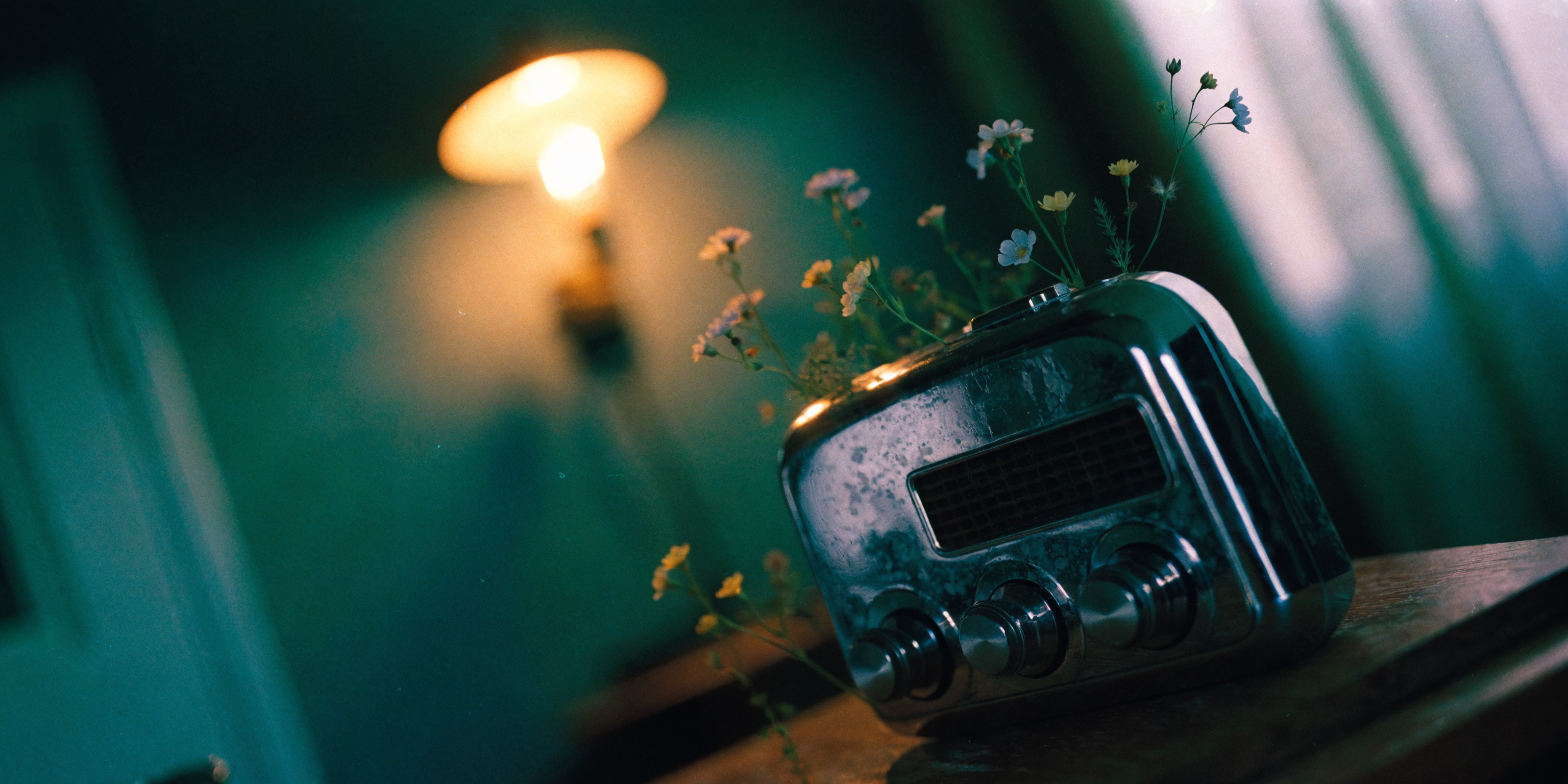
“A strange premium campaign still of a chrome pocket radio blooming with tiny wildflowers, shot on 35mm film, soft halation, practical tungsten light, deep green shadows, shallow depth of field, tactile grain, clean negative space, no readable text, no logos.”
“A wide 35mm editorial hero image of a translucent glass suitcase floating above a rain-slick airport floor, cinematic reflections, cool morning light, subtle film grain, large clean negative space on the left, no text, no logos, no people.”
“A surreal brand moodboard still: black ceramic headphones resting on folded silver emergency blankets, red darkroom light, 35mm film texture, soft lens bloom, elegant shadows, premium music campaign style, no readable text, no logos.”
Recraft 4.1 Pro FAQ
Recraft 4.1 Pro is best for high-resolution hero images, campaign stills, 35mm editorial looks, product concepts, brand visuals, and polished images that need clear composition.
Write a compact creative brief: subject, image purpose, lens style, lighting, texture, background, composition, and exclusions such as no text or no logos.
Yes. Prompt for 35mm grain, halation, practical light, lens compression, rich shadows, and real surface detail to push the image toward a film-photography look.
Yes. It is useful for hero images because you can direct the focal point, negative space, material detail, and campaign mood.
Yes. A polished Recraft still can be used as a source frame for image-to-video when you want better control over the first frame.
Modelos relacionados
OpenAI
Usa GPT Image 2 en Vevaro para generar imágenes desde texto y editar imágenes con control de calidad, relación de aspecto y formatos PNG, JPEG o WebP, con generación directa de OpenAI.
Genera y edita imágenes con Nano Banana Pro en Vevaro usando opciones 1K, 2K y 4K, relaciones flexibles y dirección por prompt para producto, anuncios, concept art y ediciones visuales.
Recraft
Generate polished brand, editorial, product, and campaign images with Recraft 4.1 on Vevaro.
Alibaba
Generate detailed scenes, graphics, and prompt-controlled visuals with Qwen Image 2 on Vevaro.
Abre el estudio con Recraft 4.1 Pro seleccionado y empieza a generar con los ajustes ya orientados al flujo correcto.