Native clips up to 30 seconds
Generate one continuous sequence instead of stitching several short clips and managing visible transitions between them.
Animate a still image into a continuous 4-30 second video with synchronized audio, optional end-frame control, and output at 480p or 720p.
Seedance 2.5 workflow
Seedance 2.5 is available on Vevaro as an image-to-video model. Upload a JPEG, PNG, or WebP source frame, then describe the movement, camera direction, action, and sound you want.
Duration is selectable from 4 to 30 seconds. Use 480p for lower-cost drafts and 720p when the direction is ready for a stronger final result.
An optional ending image can guide the final frame. Native audio can add ambience, effects, and lip-synced speech without changing the generation price.
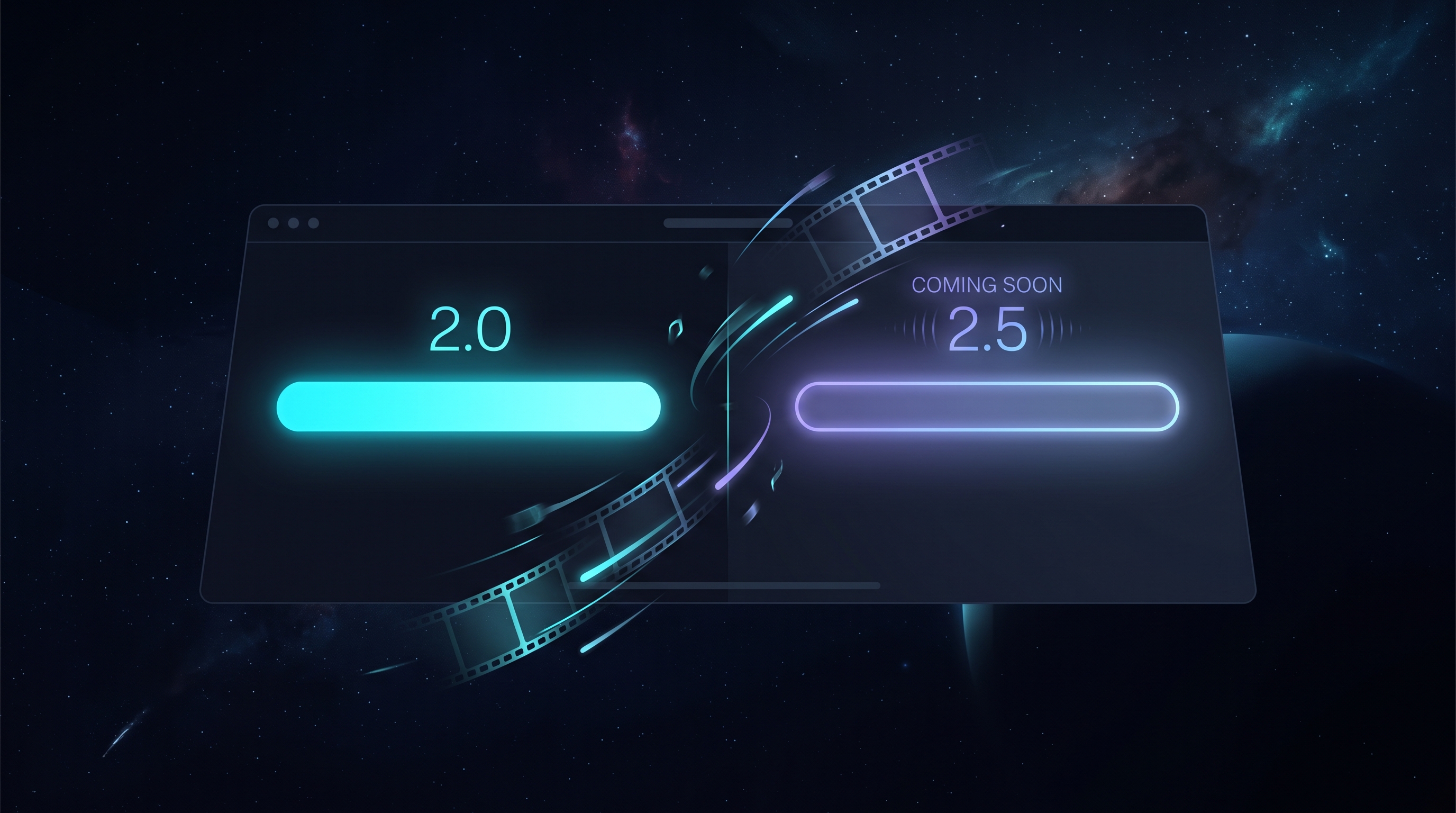
Start from a polished source image, direct the motion and sound, and generate a continuous clip without stitching shorter outputs together.
Comece com o modelo selecionado e ajuste resolução, duração e direção do prompt no mesmo fluxo.
Generate with Seedance 2.5Model capabilities
Generate one continuous sequence instead of stitching several short clips and managing visible transitions between them.
Seedance 2.5 begins from your uploaded frame, helping preserve the subject, composition, materials, and visual direction while motion develops.
Prompts can direct ambience, sound effects, and speech while the video is generated, with no audio surcharge in the model price.
Add a second image when the shot should arrive at a specific visual state, useful for product transformations and before-after motion.
How it works
Choose a clear image with the subject, composition, and lighting already close to the result you want.
Direct subject movement, camera behavior, pacing, environment motion, ambience, effects, or speech in the prompt.
Draft at 480p or generate at 720p, then select any duration from 4 to 30 seconds before starting the generation.
Creator workflows
Animate campaign stills with controlled product motion, moving reflections, camera direction, and a longer commercial rhythm.
Add natural expression, body movement, environmental motion, and spoken or ambient audio to a strong character frame.
Create longer social hooks with atmosphere, effects, dialogue, and continuous action from a single vertical or landscape image.
Turn static pitch frames into moving scenes that communicate camera intent, timing, transitions, and sound before production.
Prompt examples
“Keep the product shape and label exactly stable. Slow camera orbit, glossy reflections moving across wet black stone, cyan rim light, warm amber edge light, subtle mist, premium commercial pacing, atmospheric audio, no text.”
“Preserve the character identity and costume. Begin with a slow push-in, then the character turns toward the window as rain moves across the glass and curtains respond to a soft breeze. Natural breathing and blinking, quiet room tone, distant thunder, continuous coherent motion, no cuts, no text.”
“Start with a plain product on a gray studio background and end with the same product in a luxury rain-soaked campaign scene. Smooth transformation, stable subject, controlled camera push, rich shadows, no logos.”
Seedance 2.5 FAQ
Yes. Seedance 2.5 image-to-video generation is available through the Vevaro video studio.
Seedance 2.5 supports selectable durations from 4 to 30 seconds.
Vevaro exposes 480p and 720p. Use 480p for lower-cost drafts and 720p for higher-quality output.
Yes. Synchronized audio is optional and does not change the price. You can also upload an optional ending image to guide the final frame.
Modelos relacionados
ByteDance
Use Seedance 2.0 on Vevaro for text-to-video and image-to-video generation with start/end frame control, audio, 4-15 second duration, and 480p, 720p, or 1080p output.
ByteDance
Use Seedance 2.0 Mini on Vevaro for fast text-to-video and image-to-video generation with audio, 4-15 second duration, 480p and 720p resolution, and optional end-frame control for guided transitions.
Vidu
Use Vidu Q3 on Vevaro for text-to-video and image-to-video generation with native audio, optional end-frame control, 1-16 second duration, and 360p to 1080p output.
Crie vídeos cinematográficos com o Google Veo 3.1 na Vevaro. Use os modos Lite, Fast e Quality para fluxos de texto para vídeo e imagem para vídeo com opções em 720p, 1080p e 4K.
Abra o estúdio com Seedance 2.5 selecionado e comece a gerar com as configurações já alinhadas ao fluxo certo.