OpenAIPopular
Sora 2
Cinematic prompt-to-video generation for narrative shots, social edits, and fast concept tests.
Try Sora 2Write a scene, choose the right video model, and turn your idea into a polished clip. Vevaro helps creators shape motion, style, camera direction, and format for ads, reels, storyboards, and cinematic concepts.
Text to Video models
Compare Sora, Veo, Kling, Seedance, Wan, and more inside one focused workflow. Move from rough prompt to usable video faster, with model options for realism, motion, speed, and visual style.
Cinematic prompt-to-video generation for narrative shots, social edits, and fast concept tests.
Try Sora 2Natural motion, detailed lighting, and flexible quality modes for polished production scenes.
Try Veo 3.1Longer 4-15 second clips with audio, broad aspect ratios, and image-to-video support.
Try Seedance 2High-energy camera movement, controllable duration, and strong stylized motion.
Try Kling 3.0Flexible text-to-video generation for short cinematic shots and efficient prompt iteration.
Try Wan 2.71080p text-to-video generation with native audio, flexible duration, and broad aspect ratios.
Try Happy HorseWhat it does
Start with a clear scene brief: subject, setting, movement, lighting, mood, and framing. Vevaro routes that prompt into the model you choose, so you can test cinematic ideas, product shots, and social clips without building a full shoot first.
A wide cinematic shot of a lone explorer crossing a reflective salt flat at sunrise, slow dolly forward, soft mist, 35mm film look.
Workflow
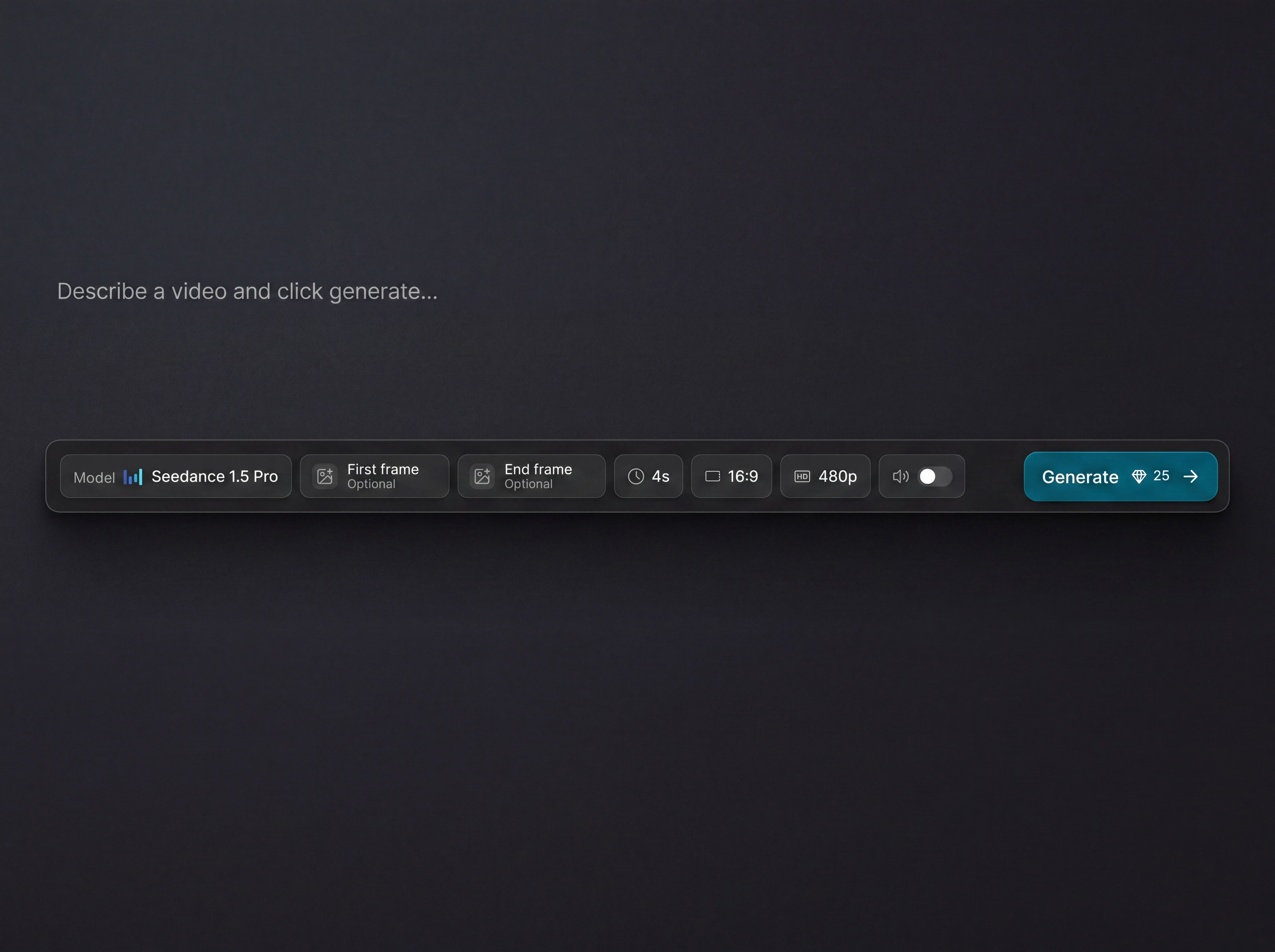
Write the subject, camera movement, mood, lighting, and format you want.
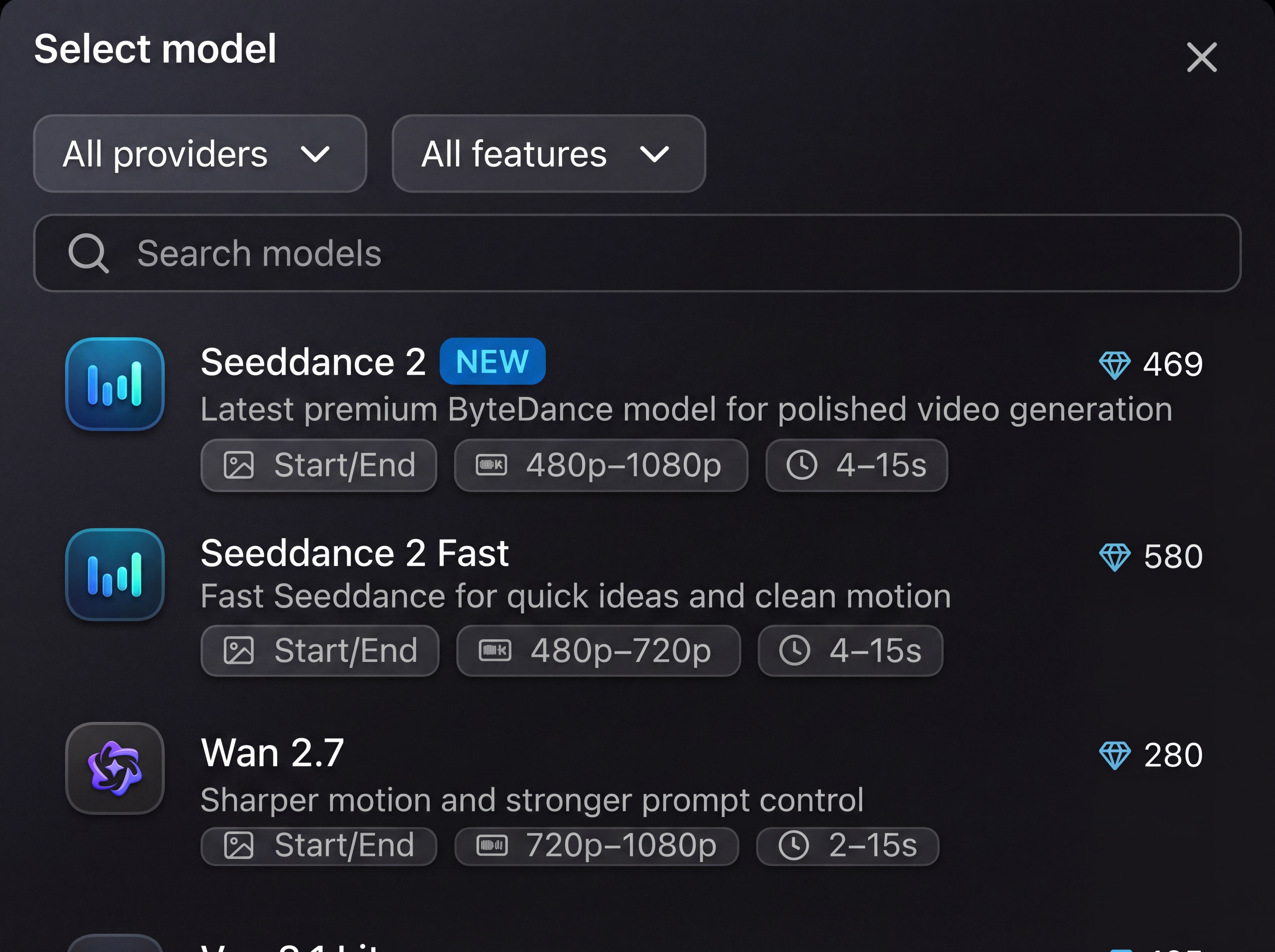
Switch between Sora, Veo, Kling, Seedance, Wan, Happy Horse, Grok, Runway, and Vevaro models.
Review the prompt, model, and settings, then click Generate. Refine or download after it finishes.
Production uses
Use text-to-video for fast visual exploration, marketing assets, social videos, and concept development before moving into editing or publishing.
FAQ
Text to video AI turns a written prompt into a generated video clip. You describe the subject, style, lighting, camera movement, and format, then the selected model renders a matching video.
Vevaro brings together Sora 2, Sora 2 Pro, Veo 3.1, Seedance 2, Kling, Wan, Happy Horse, Runway, Grok Imagine, and Vevaro models in one workflow.
Yes. Many video models in the studio also support image-to-video, including first-frame and end-frame workflows when the model supports them.
Include the subject, action, setting, lighting, lens or camera movement, visual style, and aspect ratio. Specific prompts usually produce more consistent clips.
Generated outputs can be used according to Vevaro terms and the plan you are on. For client or ad work, review the commercial usage terms before publishing.
Open the Vevaro studio, choose a model, and start generating cinematic clips from your prompt.
Start creating